# Setting Up Models.

# Step 1: Get Your API Key
Visit: https://platform.claude.com/settings/keys (opens new window)
OR
Visit: https://platform.openai.com/api-keys (opens new window)
# Step 2: Enter API Key
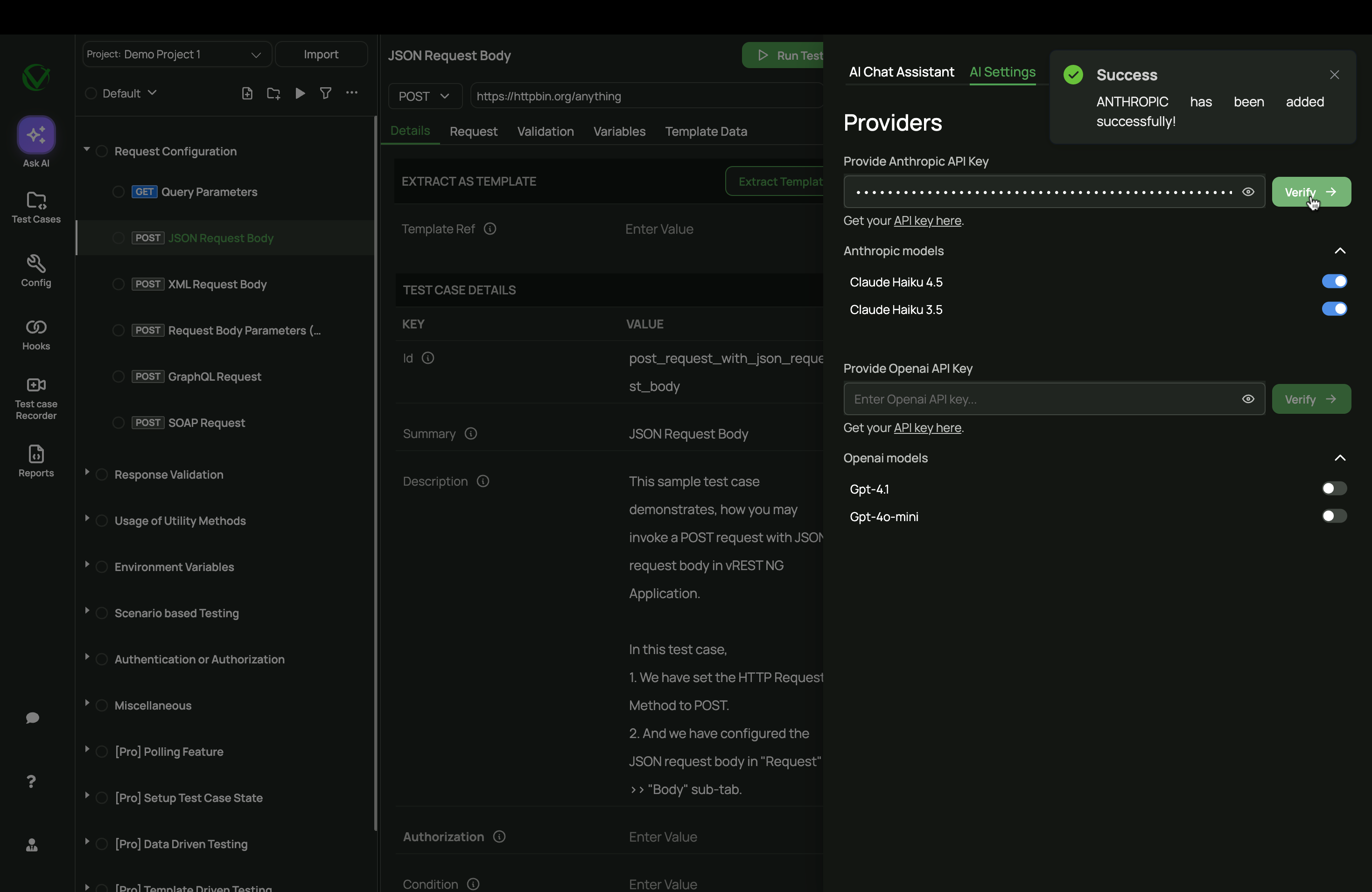
In the AI Settings tab, paste the API key and click Verify.
# Step 3: Enable a Model
Once verified, the available provider models will be automatically enabled. You can manually toggle them off or on later as needed.
Claude Haiku 4.5Claude Haiku 3.5Gpt-4.1Gpt-4o-mini